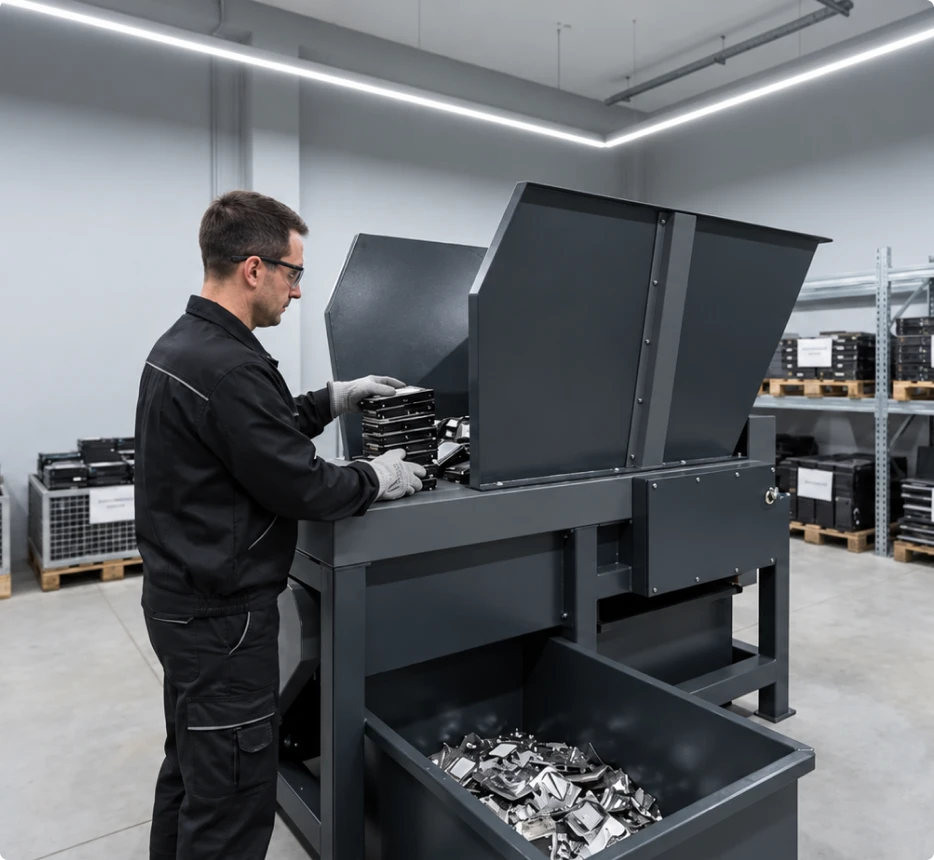
What Is Data Destruction & Sanitization?
Data sanitization makes stored information inaccessible using a method suited to the media and its sensitivity. Secure erasure can preserve suitable hardware for reuse, while physical destruction renders storage media unusable.
Silicon Lifecycle helps assess treatment options for retired equipment, aligning data handling, verification and documentation with your organization’s requirements before assets move onward.
Erase for Reuse. Destroy When Required.
Choose treatment around data sensitivity, device condition and reuse plans. Suitable media can be erased; equipment that cannot be reliably sanitized needs another approved route.
Secure Data Erasure
Suitable working media can be sanitized and verified for reuse. The method depends on storage technology, device condition and security requirements.
Physical Media Destruction
Media that cannot be reliably sanitized may require physical destruction. Select a process suited to the device and your organization’s security policy.
Data Bearing Media We Assess
Identify storage devices and embedded media before agreeing treatment and collection.
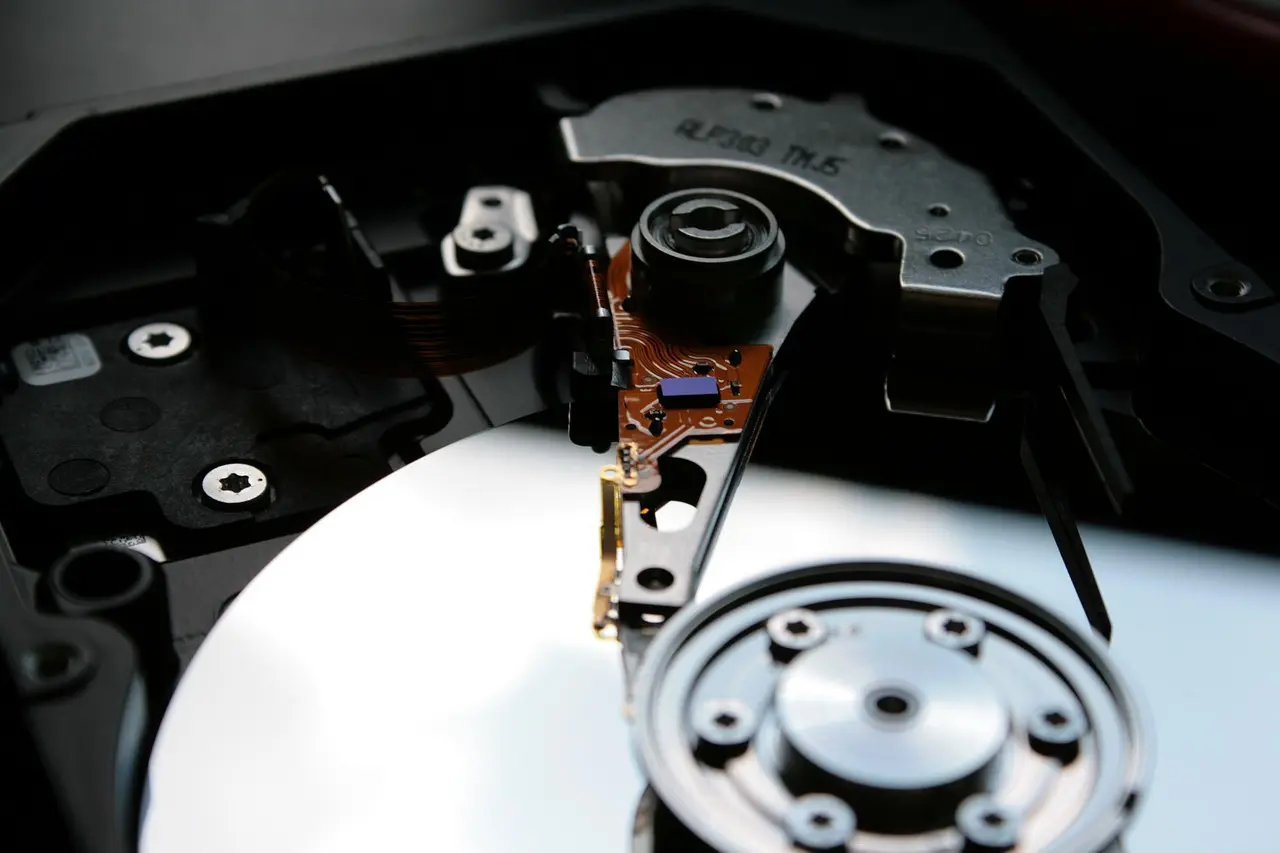
HDDs & SSDs
Internal hard drives and solid-state storage in retired equipment.
Servers & Storage
Drives and data-bearing media within enterprise storage systems.
Laptops & Desktops
Built-in storage from business computers scheduled for retirement.
External & USB Drives
Portable drives and removable storage holding business information.
Backup Media
Tapes and other backup media requiring a suitable treatment method.
Embedded Storage
Data-bearing components in network devices and other IT hardware.
How Our Data Protection Process Works
Six stages from media assessment to verified outcomes and documented completion.
Assess & Scope
Confirm media types, quantities and required data outcomes.
Identify & Track
Record identifiers and agree handling responsibilities.
Select the Method
Match treatment to media type, condition and security needs.
Sanitize or Destroy
Apply the approved erasure or physical destruction method.
Verify & Review
Review results and isolate media needing further treatment.
Document & Release
Record results before approved equipment reuse or recycling.
Reporting & Documentation
Define the evidence your team needs before any storage media is processed.
Asset Identification
Record media types and available serial numbers or asset tags.
Treatment Details
Document the method, processing date and relevant service records.
Verification & Exceptions
Review treatment results and identify media requiring further action.
Completion Records
Agree required reports or certificates before processing begins.
Explore Our ITAD Resources
Read practical guides on IT asset disposition, data destruction, equipment resale, and responsible recycling to make informed decisions about retired technology.

Frequently Asked Questions
Understand erasure, destruction, equipment reuse and the records to request.
Ordinary file deletion or a quick format may leave recoverable information on storage media. Retiring a device requires a sanitization method appropriate to its technology and the sensitivity of the data. Treatment results should be checked before equipment is released.
Data erasure uses supported processes to sanitize storage while preserving suitable media for reuse. Physical destruction damages the media so it cannot be used again. The appropriate route depends on device technology, condition, data sensitivity and your security requirements.
Equipment may be suitable for reuse, redeployment or resale after successful sanitization and any necessary functional checks. Reuse also depends on ownership, condition and company policy. Media that fails treatment should be isolated and directed to an approved alternative process.
Faulty or inaccessible media may not support reliable software erasure. Physical destruction may therefore be appropriate, depending on the device and security requirements. Identify damaged items in your inventory so handling arrangements, treatment options and required records can be agreed.
HDDs and SSDs store information differently, so a method suitable for one may not suit the other. Device capabilities and condition also affect selection. Use a supported sanitization process and confirm how its outcome will be verified for each media type.
Confirm certificate availability, scope and required fields before processing begins. Agree whether records must identify individual devices, the treatment method, processing date and exceptions. Documentation should distinguish physical destruction from sanitization and reflect the work actually completed.
Provide device or media types, estimated quantities, condition, location and preferred timing. Include data sensitivity, treatment preferences, collection requirements and the records your organization needs. An inventory with serial numbers or asset tags can help clarify the proposed scope.

Keep your data secure. Plan your next step.
Tell us what you’re retiring to discuss the right data treatment.
